
From Your Idea to a Beautifully Printed Product.
A simple path to print, even if you’re not a designer.

1. Create Your Design
Create your design using your favorite design tool, and reference our product templates to ensure correct dimensions are used.
2. Make Your File Print-Ready
Follow our specs and checklists to ensure your file is ready for professional printing. Check dimensions, bleed, file format and image quality.

3. Upload and Review
Upload your finished file and carefully review the digital PDF for placement, spelling, sizing and watch for cut-off text.
4. We Print and Ship
Your order is printed with professional quality and delivered right to your door.
Your Printing Questions, Answered.
Get quick answers to the most common artwork questions so you can upload your designs with confidence.
How do I prepare a Canva design for professional printing?
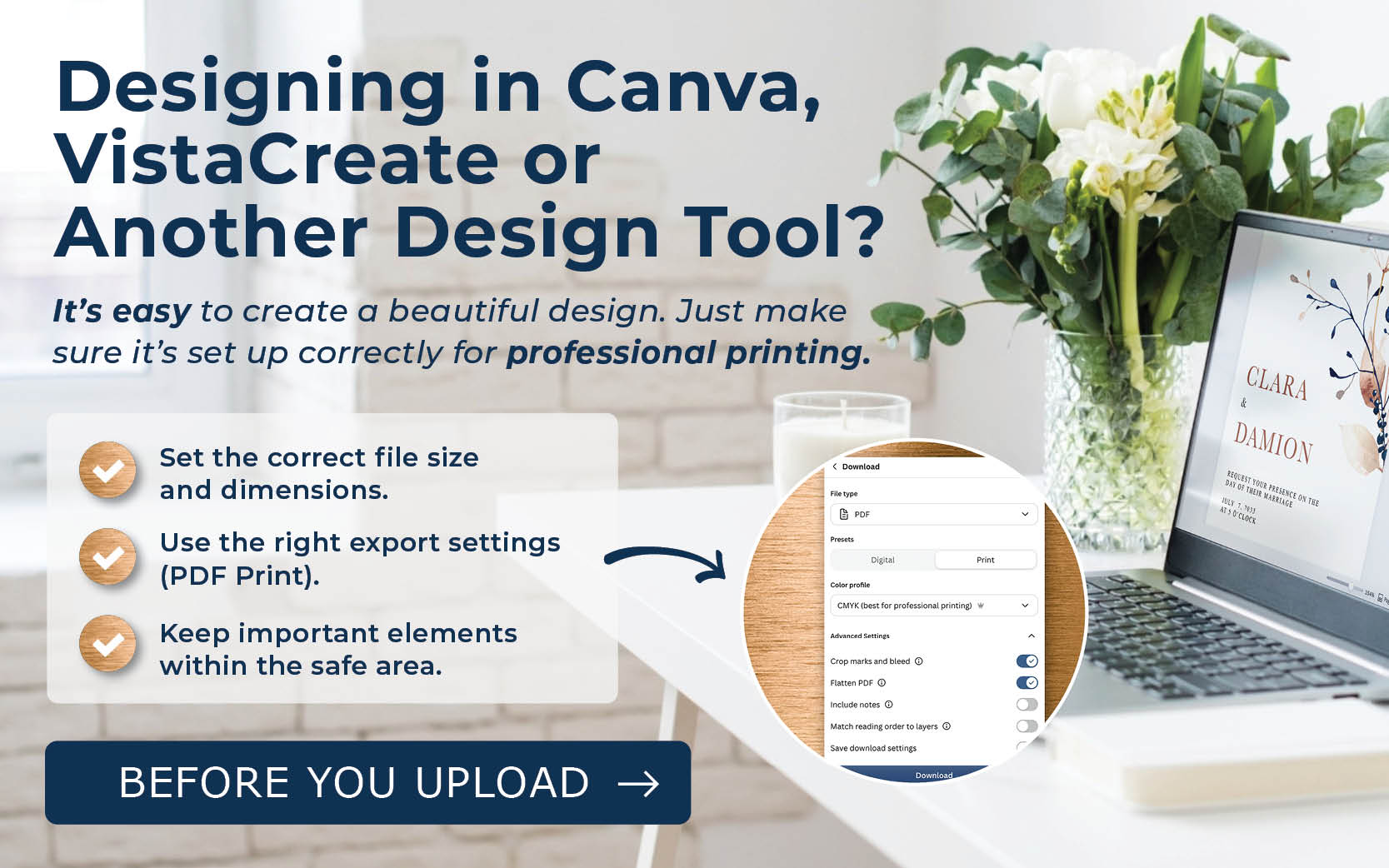
In Canva, use the correct product dimensions, extend backgrounds into the bleed area, and download your design as a PDF Print file. Always review TOG.ink's product-specific artwork requirements before uploading.
What is print bleed, and how do I prevent white borders or cut-off text?
Bleed extends artwork beyond the final trim edge to prevent unwanted white borders. Keep important text inside the safe area and use TOG.ink's product templates for the correct measurements.
What File Type Should I Upload for Professional Printing?
Use the product template found on each TOG.ink product page to ensure your artwork has the correct dimensions, including the required bleed.

Why do printed colors look different from my screen?
Screens display RGB colors, while full-color printing typically uses CMYK, which can cause colors to appear different in print. Want to see how your design looks before placing a larger order? With low minimums starting at just 10 pieces, you can test and sample your design before committing to a larger quantity (highly recommended!)
What resolution do my images need for professional printing?
Use high-resolution images for the best print quality. We recommend 300 PPI at final print size for digital printing. For foil, letterpress, and thermography, use 600 PPI or vector artwork when applicable.
What size should my design be before I upload it?
Use the exact product template found on the individual product page to make sure your artwork is the correct size and includes the required bleed.
Find Your Perfect Print Finish
Each print method creates a different look and feel. Explore the options to find the best fit for your design.
Full Color Digital Printing
Crisp, vibrant, and versatile. A great option for most designs.
Learn More →
More Questions? We’ve Got You.
Quick answers to help you get started with TOG.ink.
How do I prepare artwork for foil, letterpress, or thermography?
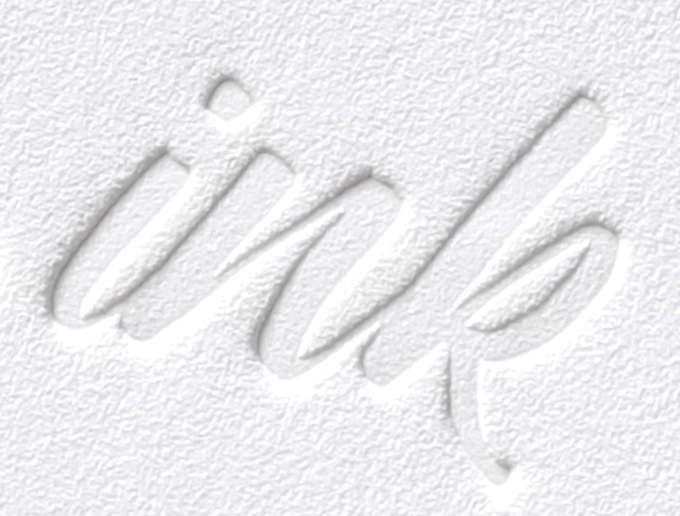
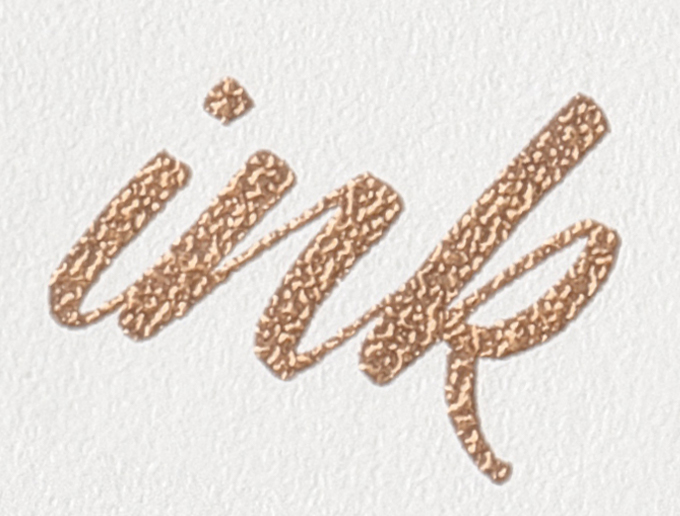
Each print process has specific artwork requirements. If you're combining two processes, upload a separate artwork file for each process. When designing for foil or letterpress, pay close attention to fine details, thin lines, and small text. We recommend using fonts 8 pt or larger and testing line weights below 1 pt to help ensure your design reproduces clearly. Very thin fonts, delicate scripts, and fine details may not reproduce consistently, so simpler designs with well-defined details often produce the best results.
Can I use the same artwork for different printed products?
In many cases, you can adapt the same design for different printed products. However, each product may have different dimensions, bleed requirements, and artwork specifications. Use the appropriate product template to adjust your design and check the requirements for each product before uploading your files.
What should I consider when designing for foil or letterpress?
When designing for foil or letterpress, consider how fine details, thin lines, small text, and intricate patterns may reproduce in print. Simpler artwork with clear details can help create a more consistent result. Requirements vary by print process, so review TOG.ink's specifications for your selected process before finalizing your design.
Does TOG.ink make changes to my artwork before printing?
TOG.ink does not offer artwork review or file-checking services before an order is placed. Customers are responsible for ensuring their files meet our requirements before uploading. Review our Artwork Specifications and artwork guides to help prepare your files correctly before placing your order.
How do I choose the right paper for my project?
The right paper depends on your project's purpose, desired look and feel, and chosen print process. Consider whether you want a smooth, textured, or specialty finish, and check which paper options are compatible with your selected product and printing method. If you're unsure, exploring sample options can help you decide which paper works best for your design.
Can I use TOG.ink for client projects?
Absolutely! TOG.ink gives designers the ability to bring their original artwork to life through a variety of professional print processes and products. Create designs for your clients and order directly through our website.
Can I choose a custom shape for my printed products?
TOG.ink offers a variety of established shapes and sizes depending on the product. While custom die-cut shapes aren't available, you can create your own artwork within the available product options.
What is the difference between digital printing and specialty printing?
Digital printing reproduces full-color artwork, while specialty processes like foil, letterpress, and thermography create distinct finishes and textures. Each offers a different look depending on your design.
How do I know which print process is right for my design?
The right printing process depends on the look and feel you want to achieve. Full-color digital printing is ideal for vibrant colors, detailed artwork, and photographs. Specialty printing processes like foil stamping, letterpress, and thermography add unique finishes, texture, and dimension to your design.
Does TOG.ink offer expedited production?
RUSH is available on select products and print processes for customers who need a faster turnaround. Availability varies, and RUSH is not offered on letterpress items.
Are envelopes included with printed stationery?
Envelopes are not included with printed stationery but can be added during checkout. You can also explore our Envelopes page for a variety of options to find the right match for your order.
Stay in the know.
Sign up to Receive 25% OFF your First Order
Sign up, and BOOM - you've got full access to pricing, ordering, and all the good stuff.